 SVGA
SVGA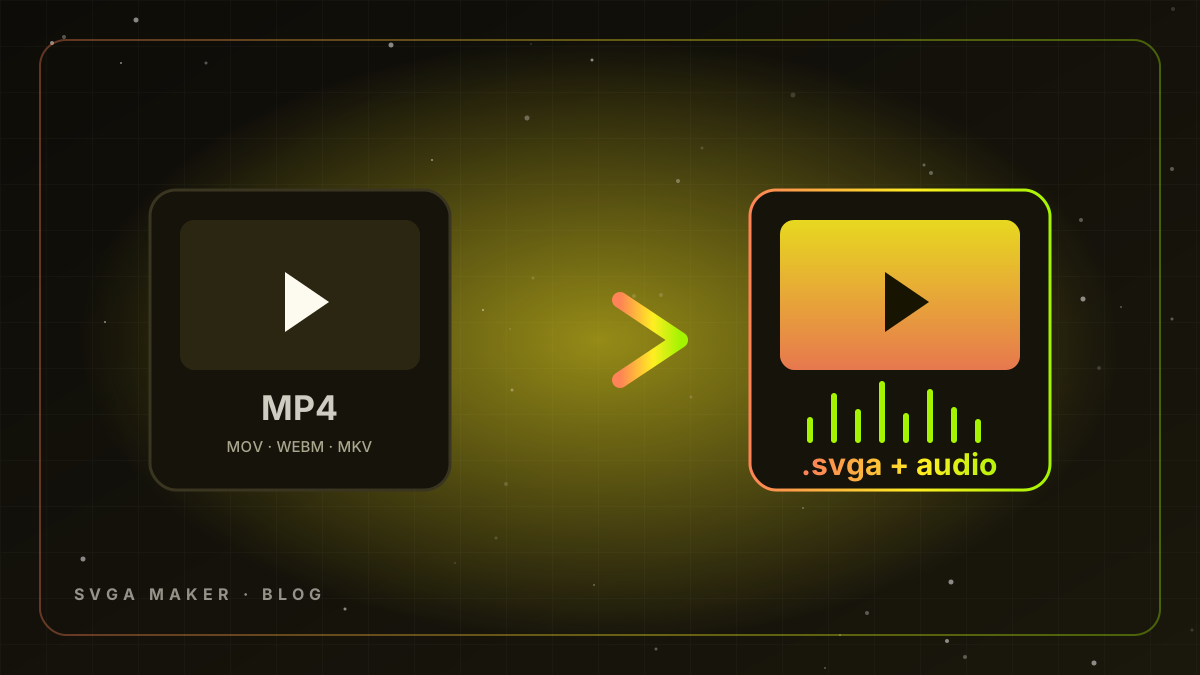
You have a finished gift or theme video - from a designer, a stock pack, a previous vendor or an AI generator - and your app needs it as an .svga. The old route (After Effects plug-in, PNG sequence, command-line converter, then device tests) takes hours and loses the audio. This guide covers the modern way: an online video-to-SVGA converter that keeps the sound, plus the settings and tricks that make the result production-grade.
What the converter actually does
SVGA 2.0 is a container of image layers, a frame timeline and an optional MP3 audio track, compressed with zlib. A video converter decodes your MP4 frame by frame, resamples to the target FPS and width, encodes each frame as a compact image (JPEG for opaque frames, PNG where transparency is needed), extracts the audio to MP3, and packs everything into a single .svga that plays in SVGAPlayer on Android, iOS, Flutter and web. SVGA Maker's Video To SVGA tool does exactly that in the browser, in seconds, with the audio embedded.
Step-by-step
- Open Video To SVGA in the Studio (free account; the first three converts are free).
- Drop your file - MP4, MOV, WebM, MKV, AVI or FLV up to 500 MB. The tool reads resolution, duration and audio automatically.
- Choose FPS. 20 fps is the sweet spot for gifts (smooth, small). Use 25-30 only for fast particle effects; use 12-15 for slow room themes.
- Choose width. Keep original for hero gifts, 512 px for gift-list items, 384 px for entrance effects. Height scales automatically.
- Pick a size mode: Best Quality for VIP gifts, Balanced for the catalog, Small or Ultra Small for effects that must load instantly.
- Convert. Preview the result with sound in the built-in SVGAPlayer, then download the .svga.
Transparency: the question everyone asks
MP4 has no alpha channel, so a video gift is either rendered over a dark backdrop that blends with rooms, or over a green screen. For green-screen sources, enable background removal: the converter chroma-keys the colour you pick (multi-colour keying with tolerance and softness) and stores those frames as transparent PNG so the gift floats over the live video. If your source already has a designed dark background, convert as-is - it is smaller and looks intentional.
Themes: silent by design
Room backgrounds must not carry audio, because the room already has voices. Use the Themes Maker tool instead of the gift converter: it mutes the track, uses a lower frame rate and produces a lightweight loop. See how to make voice room themes for sizes and loop rules.
File-size targets that keep apps fast
| Asset | Aspect | Width | FPS | Target size |
|---|---|---|---|---|
| Full-screen luxury gift | 9:16 | 512-720 px | 20-25 | 1-2.5 MB |
| Catalog gift | 9:16 or 1:1 | 384-512 px | 20 | 0.4-1.2 MB |
| Entrance effect | 9:16 | 384 px | 20 | < 800 KB |
| Room theme | 9:16 | 720 px | 12-15 | < 3 MB |
| Seat frame / mic effect | 1:1 | 256 px | 20 | < 300 KB |
Batch conversion for whole catalogs
Agencies and platforms converting 50-500 files at a time: buy a credit pack (Video To SVGA is ✦90 per convert), keep a naming convention (tier_name_v1.mp4), convert in one session with the same settings, and spot-check every tenth file on a low-end Android device. Vault members get every output stored in My Library so the whole team can re-download later; the Vault plans are monthly and include no credits, so pick a credit pack for the converts themselves.
Troubleshooting
- No sound in the app - the client must use SVGAPlayer 2.x with audio enabled; SVGA 1.x players ignore the audio track.
- File too big - drop to 20 fps, 512 px, Balanced. If it is still large, the source has fast full-frame motion; consider a shorter clip.
- Jump at the loop - trim the last 5-10 frames in the source, or ask a designer for a loop-ready render; AI-generated gifts from Gift Maker are written to loop.
- Edges shimmer after keying - increase softness slightly, lower tolerance, and make sure the green screen was evenly lit.
- Colours look flat - use Best Quality; the medium mode uses stronger JPEG compression for size.
Video-to-SVGA vs making gifts from scratch
Converting is the right tool when you already own the video. When you only have an idea, Gift Maker writes the script, renders the HD video with sound and converts it in one flow. Many teams use both: designers create the hero gifts as video and convert them, AI produces the long tail of catalog items. This is the pipeline AppLooma LLC uses on the live platforms it builds - and the reason those platforms never launch with an empty gift store.
Frequently asked questions
Does the converter change the timing of my animation? No. The timeline is resampled to the FPS you choose, but the duration and pacing stay identical; audio stays in sync because it is muxed from the same source.
Can I convert vertical and square videos? Yes. The output keeps your aspect ratio - 9:16 for full-screen gifts, 1:1 for seat effects, 16:9 for banners.
What about Lottie or WebP sources? Export them to MP4 or WebM first (After Effects, Bodymovin preview or a browser recorder) and convert. Our free File Preview tool plays Lottie, WebP and GIF so you can check the source before converting.
Will the SVGA work in my app's player? Any SVGAPlayer 2.x on Android, iOS, Flutter, React Native or web. Audio needs the 2.x player; 1.x plays the animation silently.
Is there an API for bulk conversion? Platforms converting hundreds of files per week can contact us for pipeline integration.
Quality checklist before you upload to the store
- Plays in the preview with sound and the audio peaks at the right moment.
- File size within the target for its tier (see the table above).
- Loops without a visible jump.
- Subject is readable at 384 px on a phone.
- Transparent edges are clean if you used background removal.
Key takeaways
- Convert MP4, MOV or WebM straight to SVGA 2.0 with the audio embedded - no plug-ins, no PNG sequences.
- 20 fps and 384-512 px cover almost every catalog gift; reserve original width and Best Quality for VIP hero gifts.
- Use background removal only for green-screen sources; designed dark backdrops convert smaller and look intentional.
- Themes are silent and slower (12-15 fps); use Themes Maker for room backgrounds.
- Batch with consistent settings and naming, spot-check on real devices, and keep everything in My Library with a Vault plan for the team.
The converter is free for your first three files and ✦90 credits afterwards, so a designer hand-off of fifty gift videos becomes a one-hour job instead of a week of exports.